
Remote-first product flows
Map sign-in, browsing, search, playback and recovery to directional controls, select and back, with visible focus throughout.
Plan and build a Samsung TV application around the Tizen web app model, remote-first interaction, your media services and the device range you intend to support.
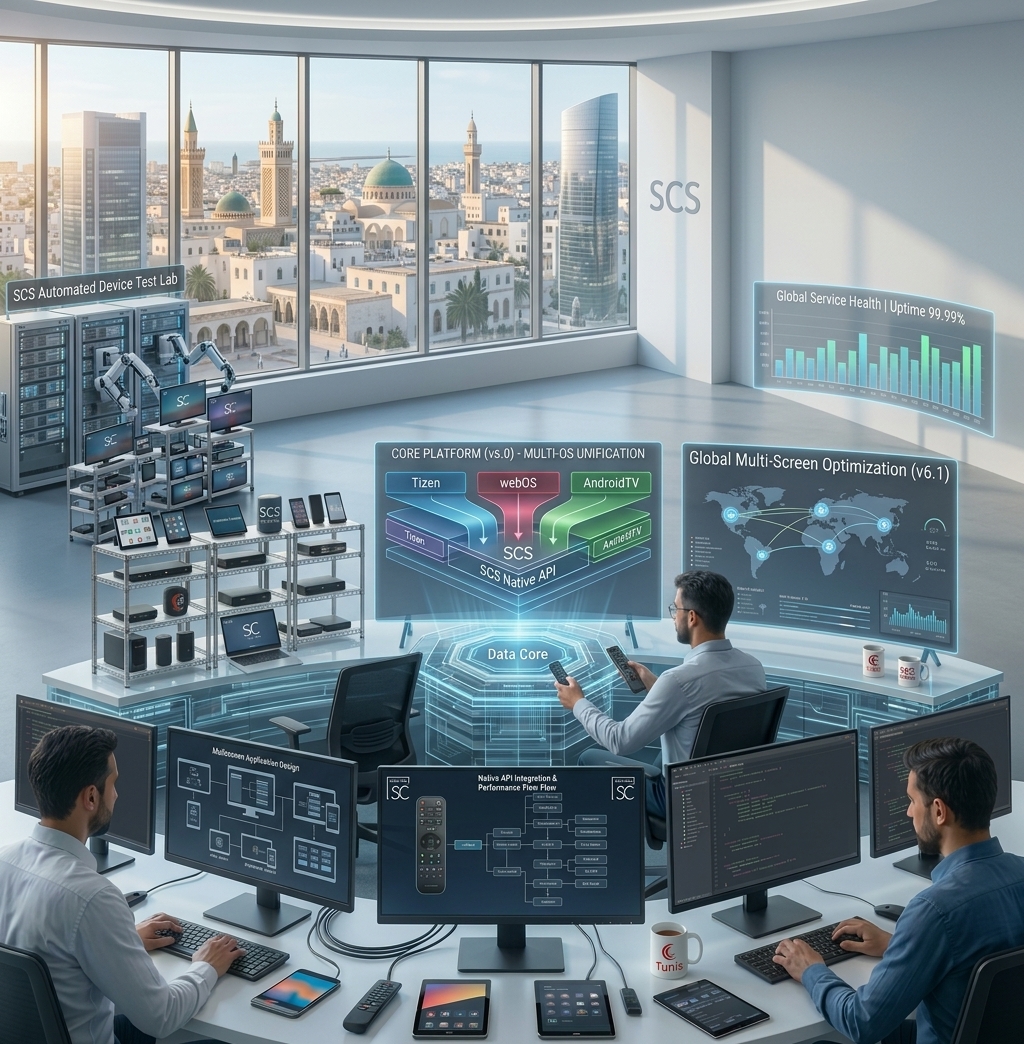
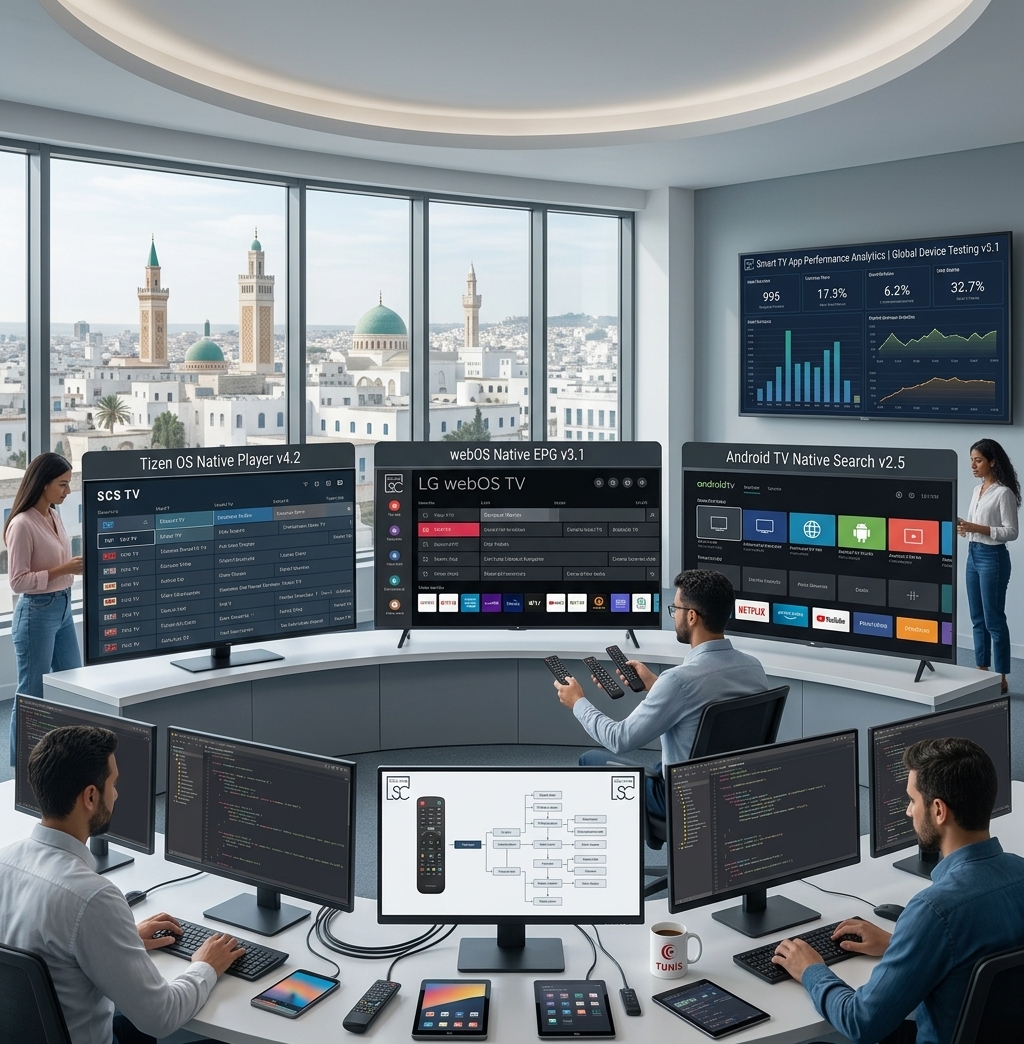
Who this is for
Technical approach
Samsung documents TV applications as web applications built with the TV SDK and platform APIs. The implementation should keep product services separate from device-specific code and should reflect the actual TV models in scope.
Project capabilities
Map sign-in, browsing, search, playback and recovery to directional controls, select and back, with visible focus throughout.
Connect the TV experience to the product's catalog, identity, entitlement and playback interfaces, while isolating Samsung-specific behavior.
Plan the app package, signing ownership, store materials and release checks for the intended distribution path.
Build a test matrix from supported models and software versions, then verify important flows on representative physical TVs.
Project process
Confirm regions, target models, APIs, media requirements, account flows and release constraints.
Map remote navigation and playback states before committing to a device-specific implementation.
Build the interface and connect the required product services behind clear platform boundaries.
Exercise the agreed test matrix, resolve defects and prepare package and submission materials.
Questions
The target model and software range, key viewer journeys, media samples, backend interfaces, distribution region and release requirements.
Some product logic and service integrations may be reusable. TV layout, remote navigation, supported APIs, playback and packaging need platform-specific review.
An emulator helps with iteration, while representative physical TVs are needed to check hardware and firmware behavior for the supported range.
Explore the connected platform work and implementation notes.
Share your target devices, product requirements and existing systems to scope the next step.