
ERP & Business Software•By Admin User
Why Your ERP Should Adapt to Your Business
Learn how custom ERP software connects operations, automates workflows and gives growing businesses reliable data for faster, smarter decisions.
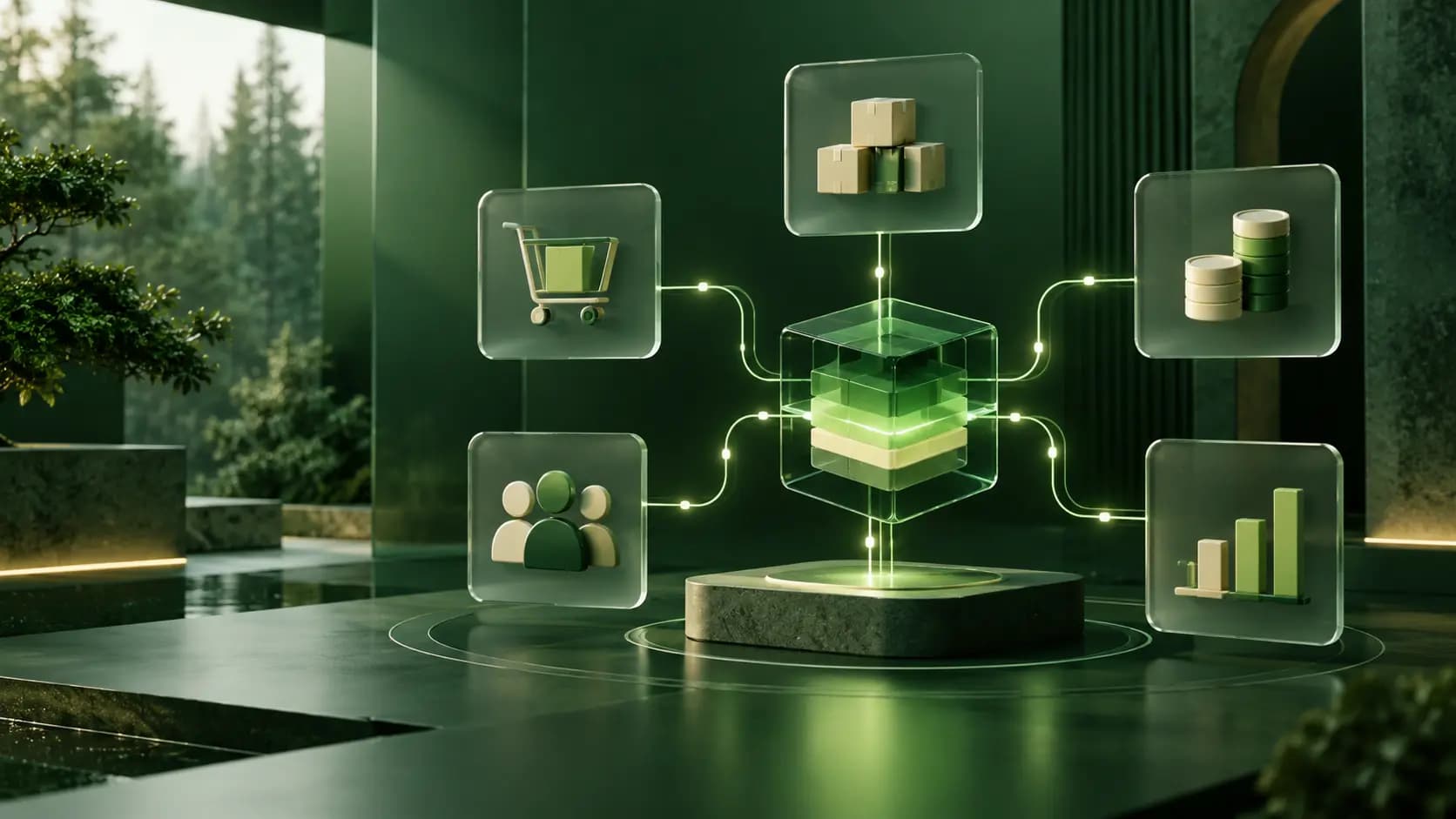
Learn how custom ERP software connects operations, automates workflows and gives growing businesses reliable data for faster, smarter decisions.
Technology creates real value when it removes friction from everyday work. For a growing company, that often means replacing disconnected tools, repeated data entry and slow reporting with one reliable business platform.
However, implementing an ERP system is not simply about buying software. The real objective is to create a system that supports the way your company operates, helps your employees work more efficiently and gives management accurate information when decisions need to be made.
Every company has its own processes. Purchase requests may require different approvals, products may follow specific pricing rules, and managers may need reports that are unique to their operations.
Generic ERP software can cover standard requirements, but it may also force employees to change effective processes or create manual workarounds. Over time, these workarounds lead to duplicate information, inconsistent reports and unnecessary administrative work.
A custom ERP starts with an analysis of your actual workflows. The software is then designed around your teams, business rules and long-term objectives.
When sales, inventory, purchasing, customer information and accounting are managed in separate spreadsheets or applications, producing an accurate report becomes difficult.
Employees may work with different versions of the same information, while managers spend time checking numbers before they can make a decision.
A connected ERP platform creates a single source of truth. For example, when a sale is confirmed, the system can automatically:
This improves data accuracy and gives every department access to the information it needs.
Effective automation does not mean removing people from every decision. It means eliminating predictable and repetitive tasks while keeping important actions visible and controlled.
A custom ERP can automate processes such as:
Good business software should not add another layer of administration. It should make existing work easier to manage, measure and improve.
A well-designed ERP provides more than operational tools. It gives managers a complete view of the business through dashboards and reports based on current data.
Depending on the company's needs, these insights may include:
Instead of waiting for information to be manually collected, decision-makers can identify problems and opportunities as they appear.
Your ERP should not become another isolated system. It should connect with the services that are important to your operations.
Possible integrations include:
These connections reduce repeated work and create a smoother experience for employees, customers and business partners.
A successful ERP project does not need to launch every possible module at once. The most reliable approach is to begin with the processes that create the greatest operational value.
The first phase may connect sales, inventory and invoicing. Additional modules such as purchasing, CRM, human resources, loyalty programs or advanced reporting can then be introduced according to real business needs.
This phased approach reduces implementation risk, simplifies employee training and allows the platform to improve through practical feedback.
At Screen Craft Solutions, we design business software around measurable operational requirements. Our process begins by understanding the company, its users, existing tools and the difficulties affecting daily work.
Our development approach includes:
We develop scalable ERP and CRM platforms, web applications, mobile solutions, administrative dashboards and connected digital products for businesses with specific operational requirements.
A custom solution may be the right choice if your teams rely heavily on spreadsheets, enter the same information several times, struggle to produce accurate reports or use software that no longer supports the way the company operates.
The objective is not to add more technology. It is to give your company a reliable system that simplifies operations, improves visibility and supports sustainable growth.
Planning an ERP or business software project? Contact Screen Craft Solutions to discuss your workflows, priorities and technical requirements.